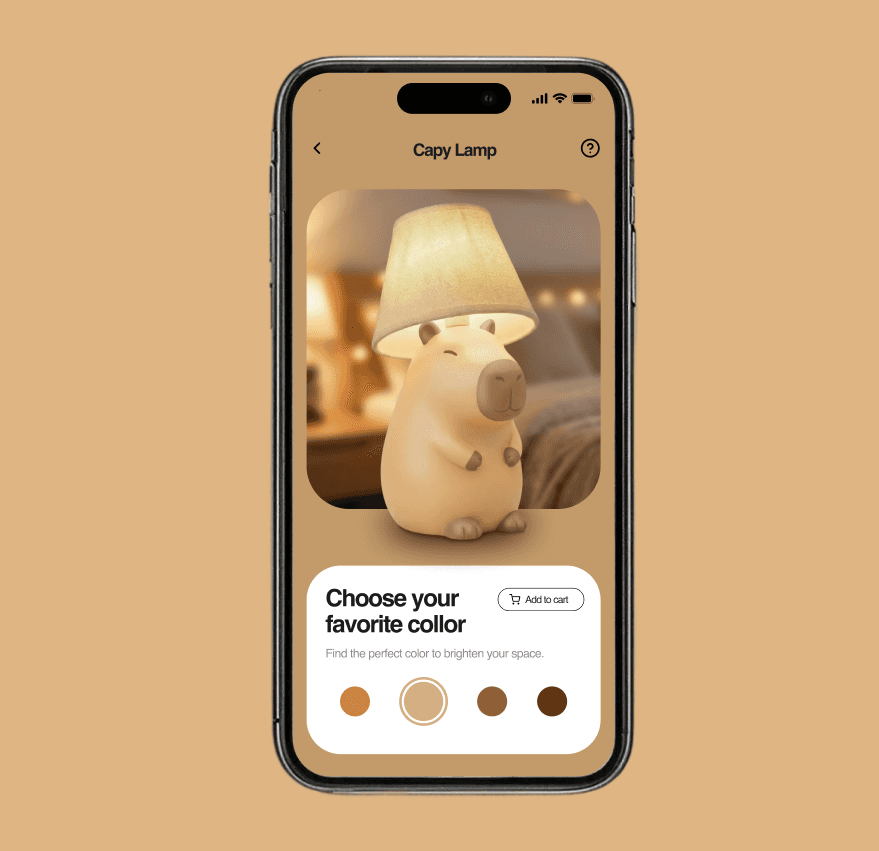
Make a parallax motion with Figma make
✨ Prototyping motion doesn’t need to be painful. This is the process that works for me using AI as a technical bridge.
The Capy Lamp looks simple, but the real value is in the workflow. It turns motion intention into a functional prototype using Gemini Pro 3 + Figma Make, without manual syntax or huge prompts.
1. When the AI starts failing, break the prompt
If you overload a single prompt, the model loses state, ignores fine details, and reverts to previous behaviors.
This is context saturation.
When that happens, I switch to micro adjustments like curve, timing, trajectory, and position. Accuracy comes back immediately.
2. Ask for structure, not creativity, and send the screen CSS
My final instruction is always:
"Create a structured prompt for the Figma Make architecture."
The key here is not choosing a format.
The key is specifying the tool, which makes Gemini understand the type of language and logic required for that tool to execute the prompt correctly.
And here is what dramatically improves accuracy:
👉 I send Gemini the full CSS of the screen layers.
With the CSS, the model understands real layer names, groupings, positions, dimensions, and foreground/background relationships.
It then builds far more precise instructions, and Make responds with much higher fidelity.
3. Audio increases technical fidelity Motion is easier to describe verbally.
In audio, I explain rhythm, intention, displacement, bezier curves, and synchronization.
Gemini Pro 3 turns that into a technical blueprint ready for Make.
4. The context inheritance hack
Make processes only three images at a time.
Since I had four capybaras, I added the last one at the end so it would inherit all existing motion logic: inverted parallax, curves, timing, and background sync.
Less rework, more consistency.
5. In execution mode, I don’t ask the AI to act like a senior designer
In this prototype, I already knew the motion precisely.
I didn’t need ideas, I needed structure.
I provide the full direction, and Gemini acts as a prompt engineer.
AI doesn’t replace craft.
It only shortens the distance between your idea and a working prototype.
📌 Want to see all the prompts I used and the exact sequence?
👉 https://lnkd.in/dujn9MD4
date published
Dec 1, 2025
reading time
4 Min